


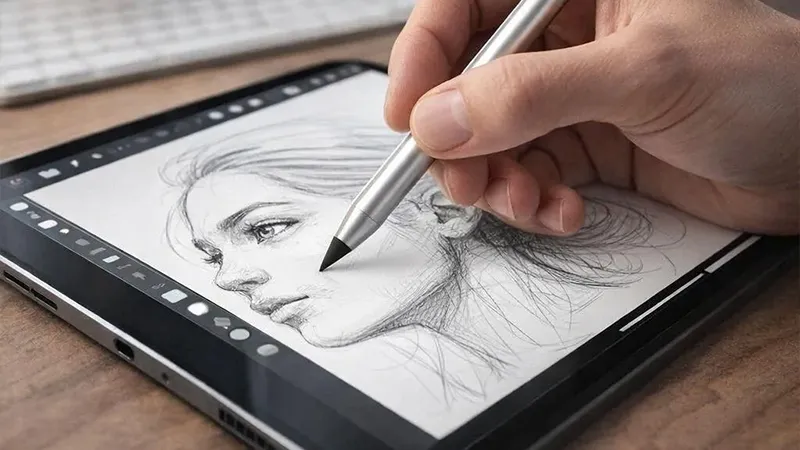
The quick answer might be: if you use your iPad for simple notes in class and meetings, or for the occasional sketch, an affordable stylus will often go further than you expect. But if you work more advancedly with illustration or digital art, nothing beats Apple Pencil. So what’s the actual difference?
Writing, drawing, or marking up documents with a pen for iPad has become a natural part of everyday life for many people. Students use it for lecture notes, creators sketch ideas, and more and more people are replacing the traditional notebook with an iPad. But when it’s time to buy a pen, the same question comes up: do you really need to spend over a thousand kronor on an Apple Pencil?
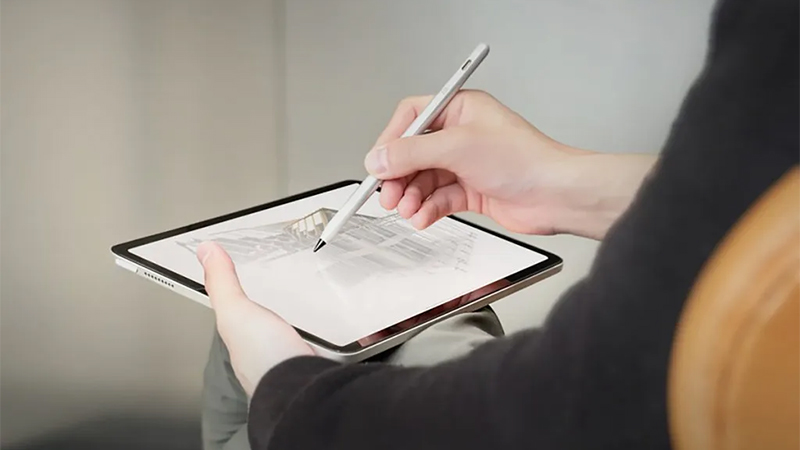
The truth is that the answer depends entirely on how you use your iPad. Over the past few years, third-party options have become significantly better, and today there are styluses that offer many of the features most people actually use every day. Let’s compare Apple Pencil with Just Mobile Stylus and see which one is best suited to different types of users.
What’s the actual difference between a stylus and Apple Pencil?
Apple Pencil is Apple’s own pen for iPad and is designed to work seamlessly with the operating system and compatible apps. Depending on the model, you get features such as pressure sensitivity, tilt detection, magnetic charging, and quick pairing.
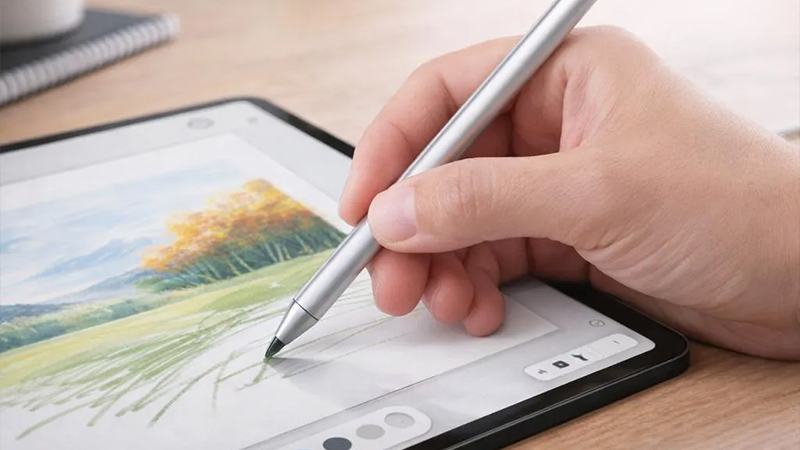
A modern stylus for iPad, on the other hand, often works in much the same way for everyday users. You can take notes, mark up PDF files, navigate apps, and sketch with high precision. The difference is mainly in the more advanced features that professional illustrators and designers use every day.
For many people looking for an alternative to Apple Pencil, the choice is therefore more about price versus features than basic use.
Stylus vs Apple Pencil - side-by-side comparison
|
Feature |
Just Mobile Stylus |
Apple Pencil |
|---|---|---|
|
Price |
699 kr |
From 1 095 kr |
|
Palm Rejection |
Yes |
Yes |
|
Tilt Sensitivity |
Yes |
Yes |
|
Pressure Sensitivity |
Limited |
Advanced |
|
USB-C charging |
Yes |
Depends on model |
|
Magnetic charging |
On compatible models |
Yes |
|
Notes |
Excellent |
Excellent |
|
Illustration |
Good |
Best |
|
Compatibility |
iPad 2018 and later |
Model dependent |
What stands out immediately is the price. Just Mobile Stylus costs about 699 kronor, while Apple Pencil often costs several hundred kronor more depending on the model. For many users, that’s quite a big difference for a product used mainly for notes and simpler creative work. (Just Mobile)
Palm rejection makes a bigger difference than many think
One feature almost everyone appreciates is so-called palm rejection. It means you can rest your hand on the screen while writing without the iPad registering your palm as a touch.
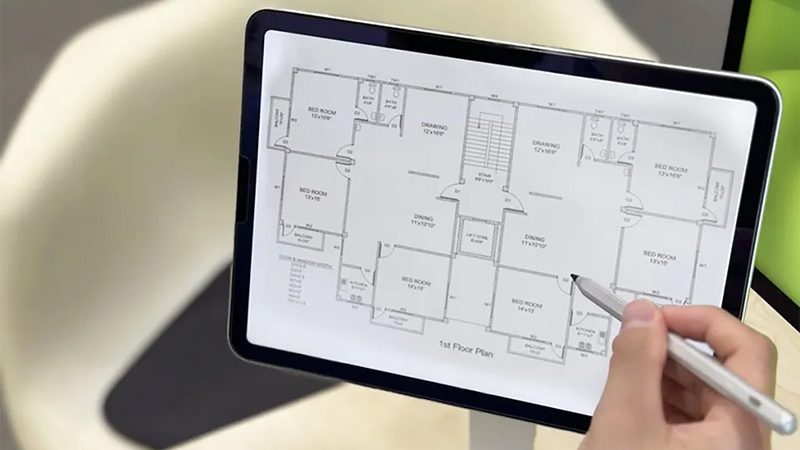
In the past, this was mainly something found in more expensive models, but today Just Mobile Stylus also offers this feature. The result is a much more natural writing experience, where you can take notes just like on regular paper. (Just Mobile)
For students, meeting attendees, and everyday users, this is often more important than advanced pressure sensitivity. After all, it’s the comfort during long writing sessions that you notice most in everyday use.
Do you really need pressure sensitivity?
Here we may find the biggest difference between a cheaper stylus and Apple Pencil.
Apple Pencil is designed for professional creators working in apps like Procreate, Adobe Fresco, or Affinity Designer. There, the pen can detect small variations in pressure and create different line widths depending on how hard you press on the screen.
If you mainly use your iPad to write notes, fill in documents, or make simpler sketches, however, you’ll rarely notice much of a difference.
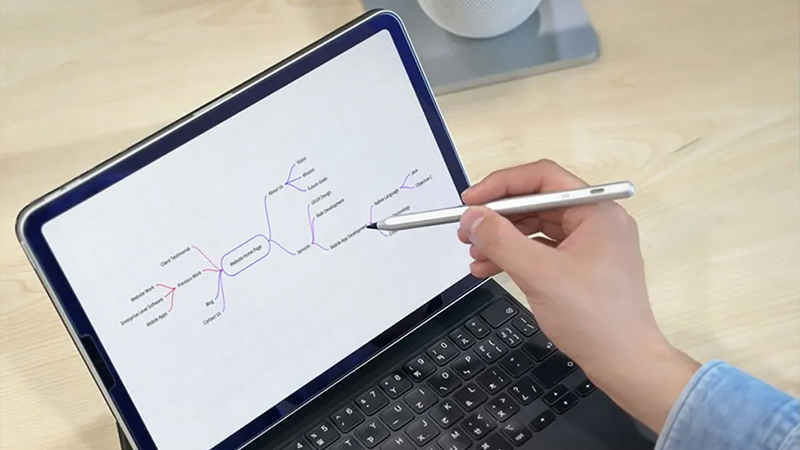
Just Mobile Stylus offers tilt support and a very good writing feel, which goes a long way for most users. Several reviews have also highlighted that the writing experience feels surprisingly close to Apple’s own option despite the significantly lower price. (Macworld.se)
USB-C or magnetic charging?
Charging is another area where there are some differences.
Apple Pencil has the advantage that many models charge magnetically directly on the side of the iPad. That’s convenient and means the pen is always ready when you need it.
Just Mobile Stylus charges via USB-C and also supports magnetic charging on compatible models. For many users, USB-C is actually an advantage, since the same cable is often used for the iPad, phone, and other accessories. (Just Mobile)
Battery life is up to 11 hours of use per charge, which is more than enough for most workdays. (Just Mobile)
Which pen is best for you?
If you study, work with notes, mark up PDF files, or want an affordable stylus for iPad, Just Mobile Stylus is a very interesting option. You get the features most people actually use every day while saving several hundred kronor.
If you’re an illustrator, graphic designer, or work professionally with digital art, Apple Pencil is still the obvious choice thanks to its advanced pressure sensitivity and deep integration with Apple’s ecosystem.
For most iPad users, the choice isn’t really about which pen is better - it’s about which one gives you the most value for the money.
If you’d like to complement your iPad with more smart accessories, it may also be worth taking a look at our range of iPad accessories, stands, and desk solutions that make your workspace even more convenient.
FAQ
Is a cheap stylus as good as Apple Pencil?
For notes, documents, and simpler sketches, the difference is often small. For professional illustration and advanced creative work, Apple Pencil still has a clear edge.
Does Just Mobile Stylus work with all iPads?
Yes, it’s compatible with iPads from 2018 and later and works with apps that support Apple Pencil. (Just Mobile)
Does Just Mobile Stylus have palm rejection?
Yes, you can rest your hand on the screen while writing or drawing without unwanted touches being registered. (Just Mobile)
Is USB-C better than magnetic charging?
It depends on how you use your iPad. Magnetic charging is more convenient, while USB-C works with the same cable many people already use for their other devices.
Which stylus is best for students?
For most students, an affordable stylus like Just Mobile Stylus is a very good choice because it offers the features needed for notes and studying at a lower price.
 Svenska (SEK)
 Dansk (DKK)
 Norsk (NOK)
 Suomi (EUR)
 Eesti (EUR)
 Latviešu (EUR)
 Lietuvių (EUR)
 Deutsch (EUR)
 Français (EUR)
 Español (EUR)